


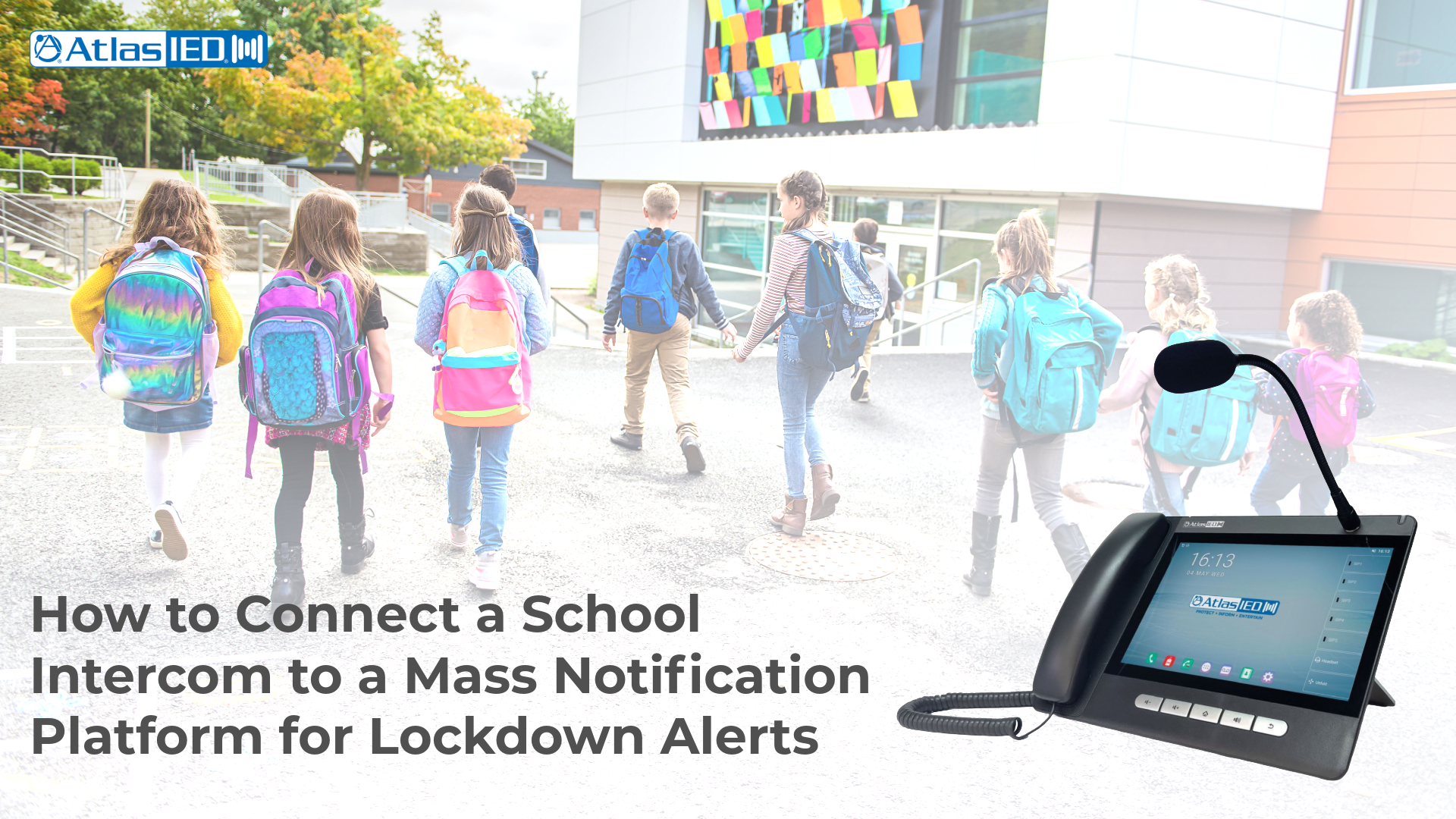
Most K-12 schools already own a working intercom system. What many do not have yet is a reliable way to connect that intercom to a modern mass notification platform so an approved trigger—such as a panic button, office console, or integrated alert workflow—can initiate a building-wide lockdown message and related notifications. Closing that gap is one of the highest-impact safety projects a district can take on, and in many cases it does not require ripping out the existing intercom.
Why this integration matters
Lockdown speed is measured in seconds. The FBI’s analysis of active shooter incidents found that, in the 63 incidents where duration could be determined, 44 ended in five minutes or less and 23 ended in two minutes or less. A traditional workflow—where a staff member has to reach the office, explain the threat, and wait for a manual announcement—can add delay at exactly the wrong moment.
An integrated intercom-plus-mass-notification platform helps reduce those manual handoffs. When properly configured, an approved trigger can launch pre-recorded audio, visual alerts, staff notifications, and other authorized response steps from one workflow.
The three approaches to integration
There are three common paths, depending on the intercom infrastructure already in place.
1. Direct IP integration for modern IP intercoms
If a school already runs an IP-based intercom, integration is often centered on network configuration and software. A mass notification platform such as Singlewire InformaCast can connect over the network and broadcast audio, text, and visual alerts to supported endpoints. AtlasIED distributes InformaCast and integrates it with IPX Series IP endpoints, including speakers, visual displays, flashers, and intercom-enabled devices.
2. Gateway bridge for analog or 70V systems
If a school still uses a legacy analog or 70V intercom, a gateway approach can bridge the old and new systems. AtlasIED IPX Series IP-to-analog gateway controllers allow IP-based audio notification and messaging to reach analog amplifiers and speakers. This can be a practical migration path for districts that need to extend mass notification capabilities while preserving existing cabling and speaker investments.
3. Side-by-side deployment for phased modernization
Some districts keep the legacy intercom in place for daily bells and announcements while adding an IP overlay for priority alerts. IPX speakers, displays, and flashers can be installed in high-priority areas such as main offices, hallways, cafeterias, gyms, exterior entries, and administrative spaces. This approach helps preserve daily operations while creating a clearer path for emergency communication.
What a typical trigger flow can look like
Once connected, a lockdown workflow commonly follows this sequence:
1. A staff member presses an AtlasIED Rapid Alert wearable panic button or another approved activation device.
2. The mass notification platform receives the trigger and initiates the district’s approved workflow.
3. Depending on system design, policy, and third-party integrations, the workflow may include overhead lockdown audio, visual display activation, mobile alerts to authorized staff, notification to a 9-1-1 center or local law enforcement, and integration with other building systems.
4. Two-way communication remains available where supported by the intercom or endpoint configuration.
The goal is not to promise a universal response time. The goal is to remove avoidable handoffs so the district can move from threat recognition to building-wide notification as quickly and consistently as the approved architecture allows.
Design details to confirm before installation
A strong intercom-to-mass-notification design should answer several operational questions before devices are installed:
-
Which staff members are authorized to trigger a lockdown or other emergency workflow?
-
Which zones receive each alert, and which spaces require visual signaling in addition to audio?
-
Does the network support PoE/PoE+ endpoint placement, device registration, VLANs, Quality of Service, and cybersecurity requirements?
-
What backup power or survivability requirements apply to the network, head-end, gateways, and endpoints?
-
Which message templates, escalation paths, and cancellation procedures are approved by district leadership and local responders?
-
Who owns contact-list updates, user permissions, testing records, and staff training documentation?
Test, train, and document
A connected system is only useful if staff understand when and how to use it. Districts should document activation procedures, escalation paths, approved message templates, staff training, and test schedules. Where the deployment connects to fire alarm, emergency communications, or other regulated systems, inspection, testing, and maintenance should follow applicable NFPA 72 requirements, district policy, and local authority-having-jurisdiction guidance.
For a tailored architecture around a specific intercom and network, AtlasIED can provide Design Assistance.
Sources cited in body: FBI active shooter incident analysis; NFPA 72 inspection, testing, and maintenance resources